




















Duplicates, blurry shots and screenshots you'll never open are filling your iPhone. SlashPhotos finds them. You slash them.

Free to download. Your photos never leave your phone.
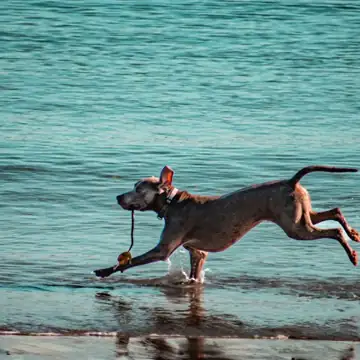
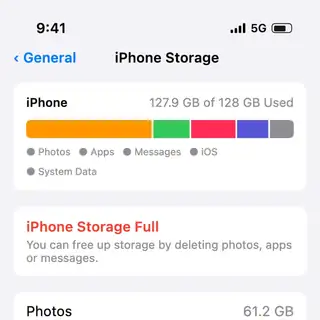
A squirrel walks right up and takes the walnut from your hand. You hit record, and it tells you there's no room for one more second of video.
So you delete something at random, in a hurry, and hope it wasn't important. Meanwhile the thing actually filling your phone is a two-minute video of the inside of your pocket.
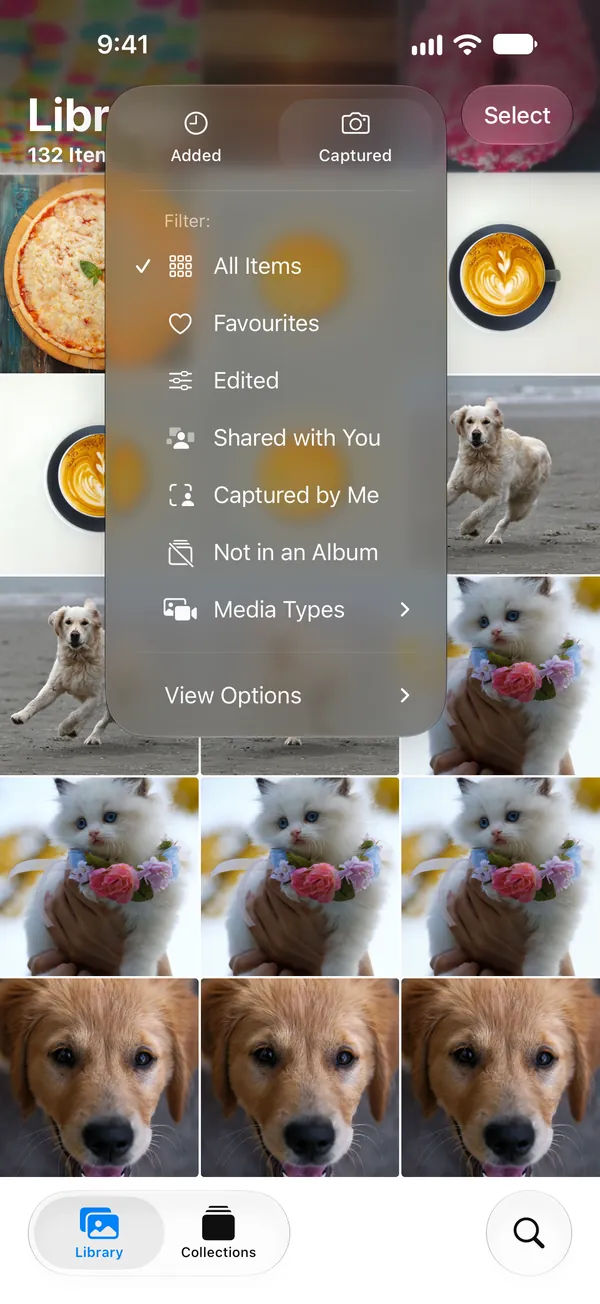
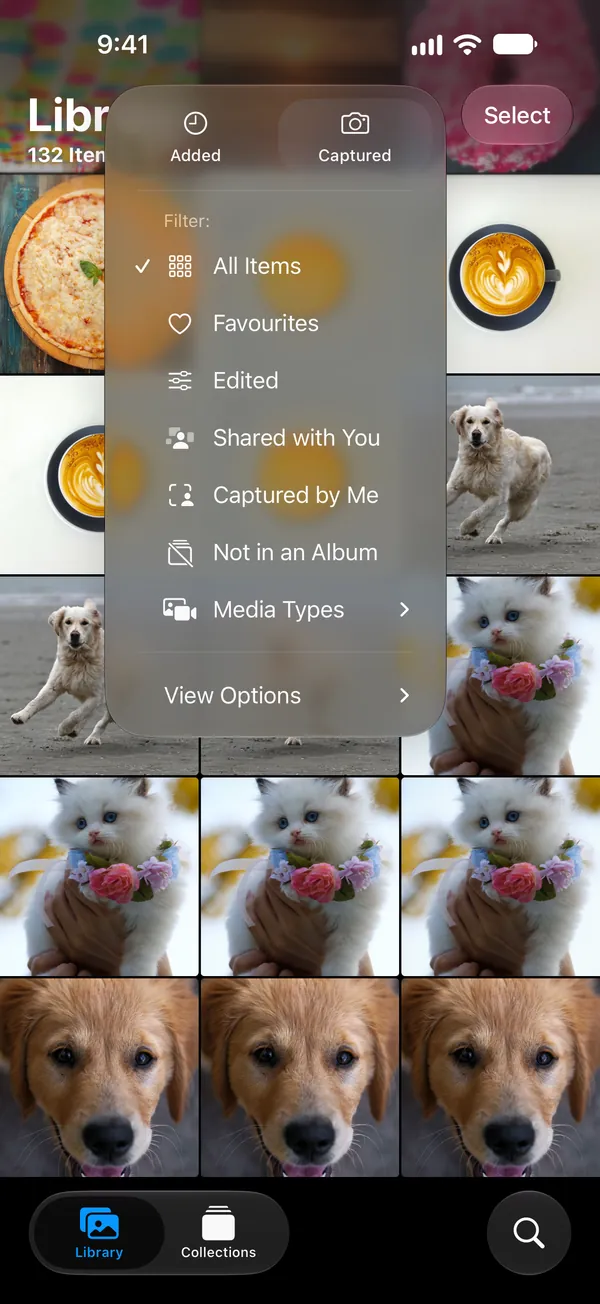
Photos sorts your library two ways: by when a photo was added, and by when it was taken. Neither shows you what anything weighs.
Nothing tells you that one video is costing you four gigabytes while a hundred photos cost less. You've been asked to sort by hand in an app that won't show you what matters.
Willpower doesn't fix a missing column. Measuring does.
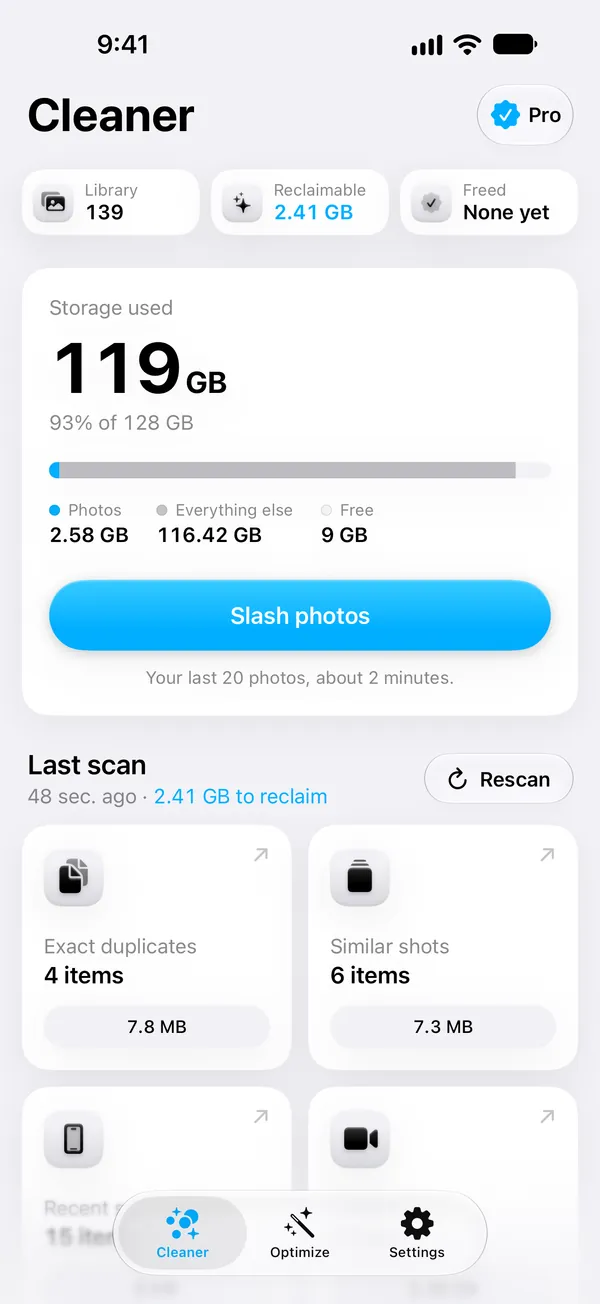
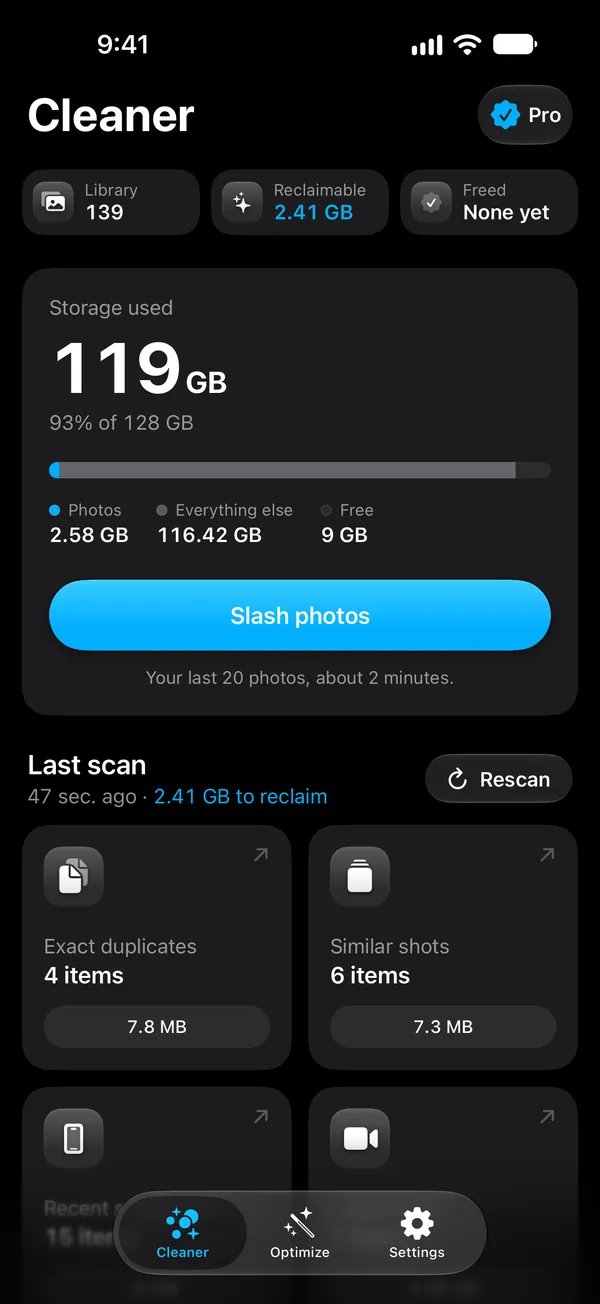
Reading 139 photos and videos, on this iPhone. No photo is uploaded.
2.41GB
ready to free, without missing a thing
Almost all of it is seven videos. Every duplicate, blurry shot and screenshot together comes to 28 MB.
- Large videosVideos over 100 MB. Video is most of a full library.2.38 GB
- Exact duplicatesByte-for-byte copies. One of each is kept.7.8 MB
- Similar shotsShots taken seconds apart. Pick the one you want to keep.7.3 MB
- Blurry photosThese looked out of focus. Check each one, some blur is deliberate.6.6 MB
- Recent screenshotsScreenshots from the last 90 days.6 MB
The library in these screens. SlashPhotos measures yours on your phone, in a couple of minutes.
Delete duplicate and blurry photos
Drag across a photo to cut it into the bin. Swipe left to keep it. This is the app, with your own photos instead of these.
Nothing is deleted on the spot. At the end you see both piles, and only what you confirm goes.

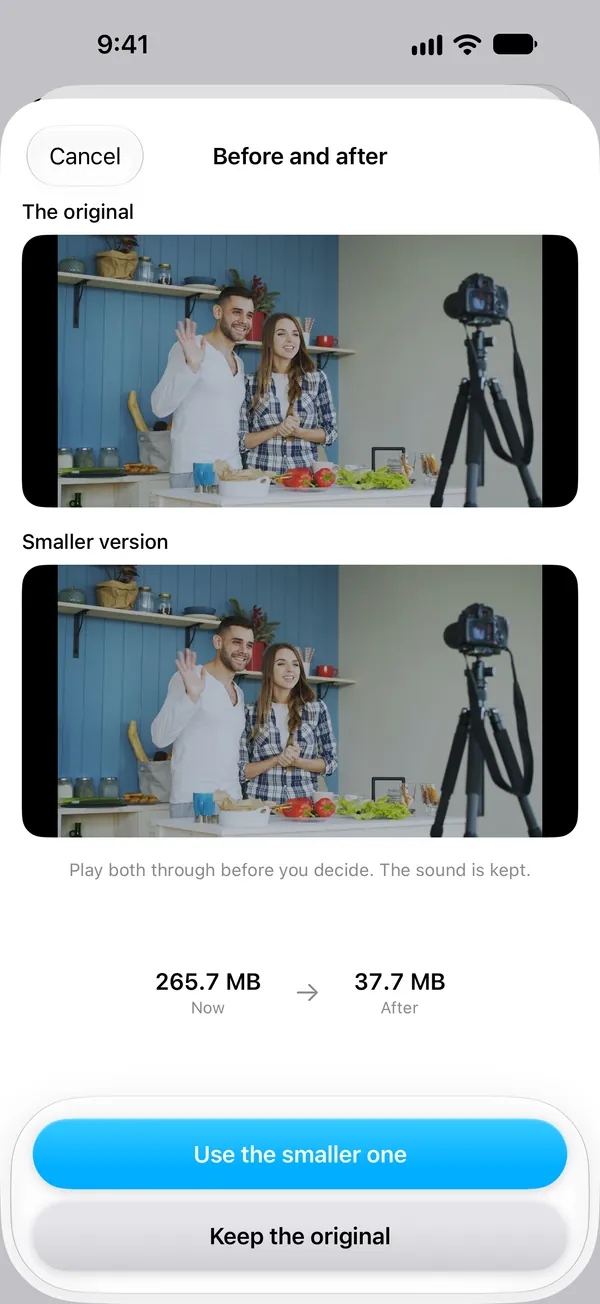
Compress large iPhone videos
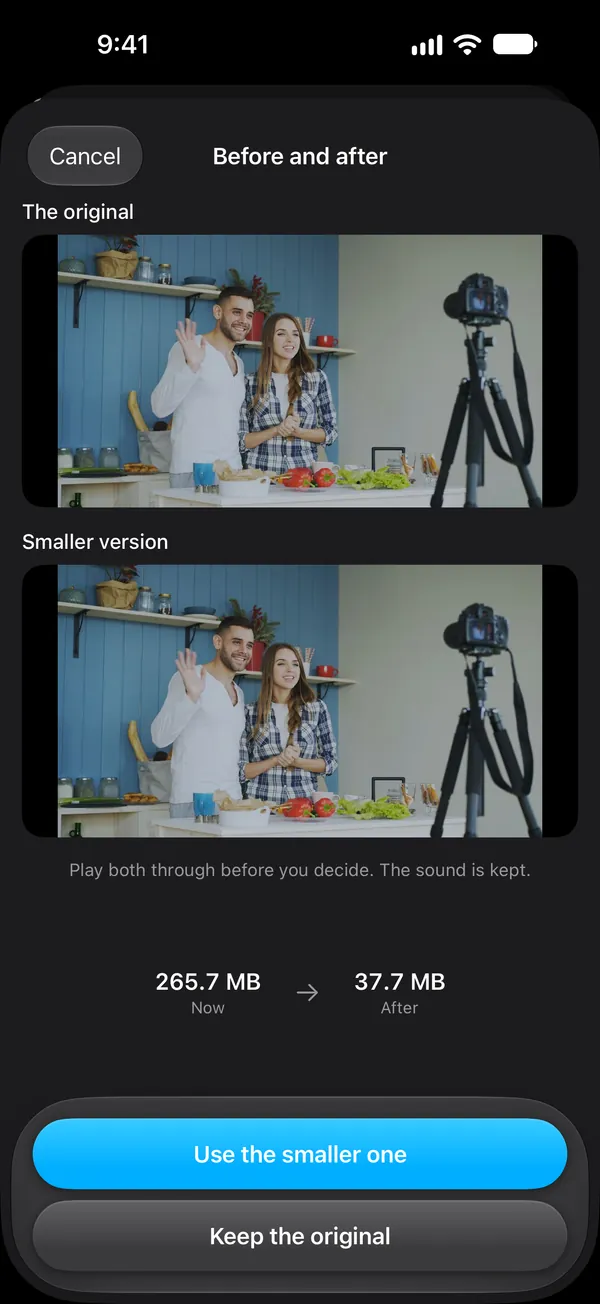
Some things you want to keep, just not in 4K. SlashPhotos makes a smaller copy that looks the same on your phone, plays you both, and only swaps them if you say so.
Cleaning up is worth more if the mess stops piling up. SlashPhotos looks at how your library grows and points at the few settings that matter.
This part is free, always.
- Your camera records in 4K1080p would use about a quarter of the space and looks identical on your phone.SettingsCameraRecord Video1080p at 30 fps
- Messages keeps everything foreverYears of attachments you'll never scroll back to.SettingsAppsMessagesKeep Messages1 Year
- Unused appsApps you haven't opened in months, offloaded. Your data stays put.SettingsAppsApp StoreOffload Unused Apps
A little each night beats a lost weekend. At a time you pick, SlashPhotos hands you your last 20 photos, while you still remember which ones matter.
One notification a day, scheduled on your phone. Keep, slash, done before your coffee gets cold.
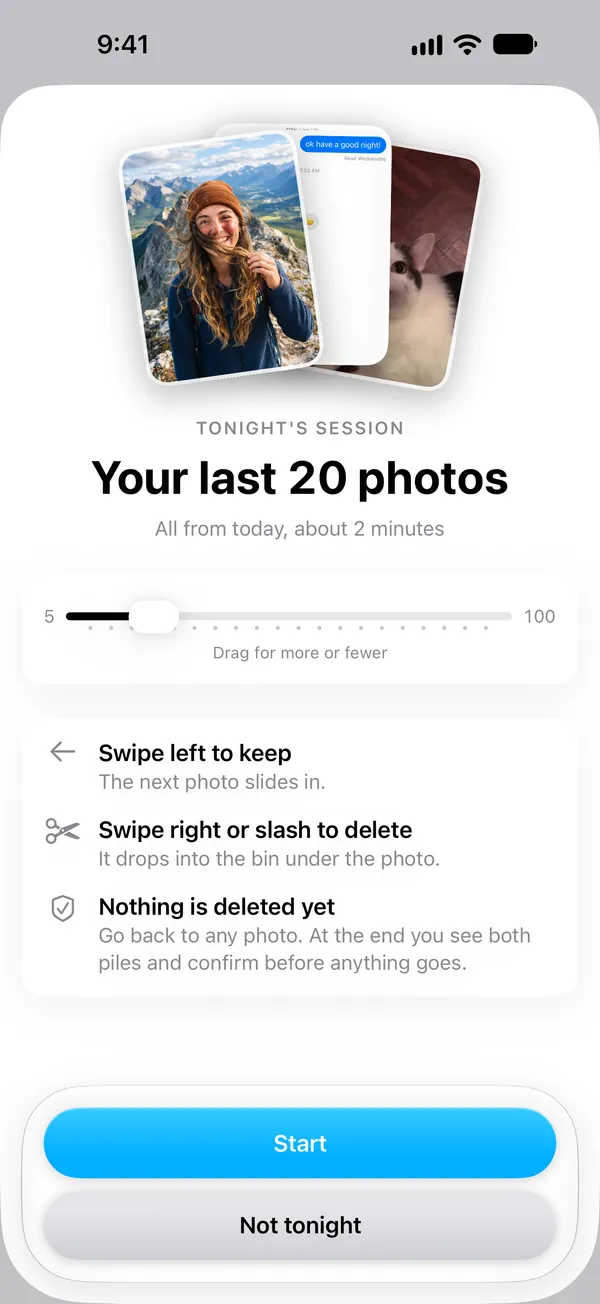
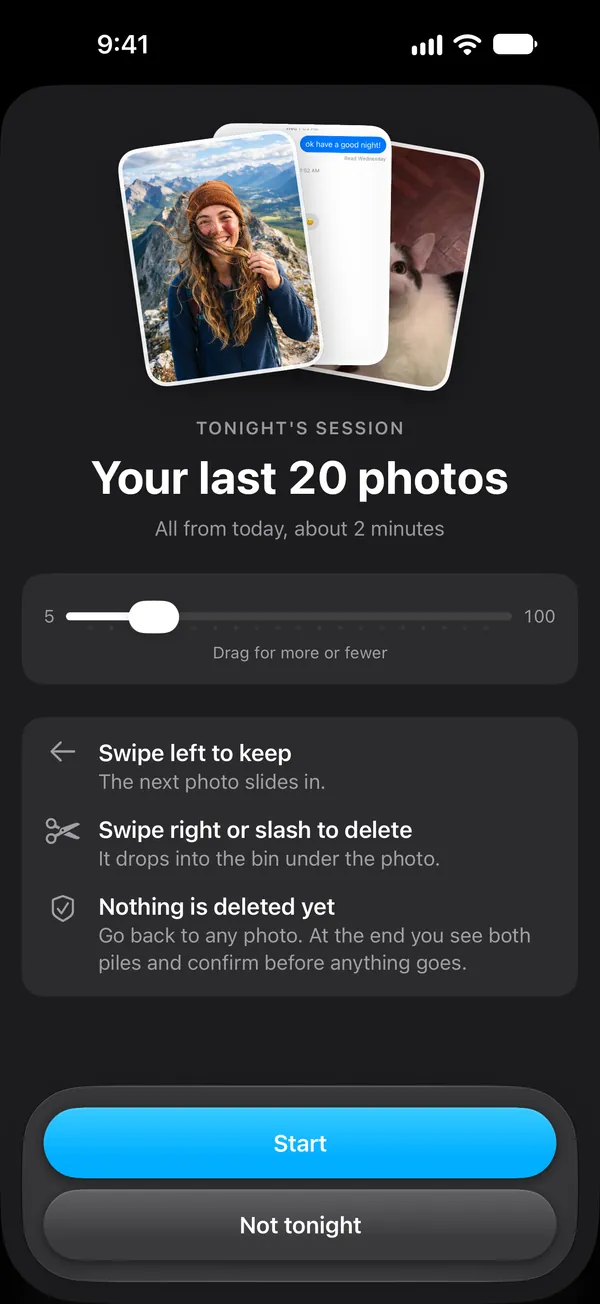
 Your last 20 photos are readyAbout 2 minutes. Slash what you don't need.
They're never uploaded, never stored on a server and never used to train AI. No account, no ads.
Checked on your iPhone
Every scan, duplicate check and blur check runs on your iPhone.
Never uploaded
No photo or video is ever sent anywhere.
No account
No sign-in, no email, no password.
Reminders stay local
Reminders are scheduled on your phone. No push server.
Questions
What is SlashPhotos?
SlashPhotos is an iPhone app that finds the duplicates, blurry shots, old screenshots and large videos filling your iPhone, so you can delete or shrink them in minutes. Every scan runs on your iPhone.
Is SlashPhotos free?
The scan, the results and every tip are free, and you get 20 free uses to delete or shrink items. SlashPhotos Pro removes the limit and unlocks the nightly session. Pro is a weekly or annual subscription, and the app shows the price for your country, with any offer, before you pay.
Does SlashPhotos upload my photos?
No. Every scan, duplicate check and blur check runs on your iPhone, and your photos never leave it. There is no account. The app uses the network for purchases, to download your own photos and videos from iCloud when it needs them, and for anonymous usage data that you can turn off. Read the privacy details.
How does it find duplicates, similar shots and blurry photos?
Exact duplicates are identical copies of the same photo, and one of each is kept. Similar shots are photos taken seconds apart, and you pick the one to keep. Blurry photos are checked for focus in two passes, so soft-focus portraits aren't flagged by mistake. Anything that needs judgment is never pre-selected.
Why hasn't my storage gone down after slashing?
Everything you delete goes through iOS to Recently Deleted, where it stays for 30 days. The space comes back when you empty Recently Deleted in the Photos app, which SlashPhotos shows you how to do. More on Recently Deleted.
Can I get a slashed photo back?
Yes, for 30 days. Open Recently Deleted in the Photos app and recover it.
Does compressing a video lose quality?
SlashPhotos makes a 1080p copy of a 4K video and plays you both. It only replaces the original if you say so, and the copy keeps its date, location, albums and favorite. On a phone screen the two are very hard to tell apart.
Why does SlashPhotos need access to all my photos?
Measuring what's filling your phone needs the whole library. With limited access any number shown would be wrong, so SlashPhotos won't show one.
Which iPhones does it work on?
Any iPhone running iOS 18 or later.
More in our iPhone storage guides.
Stop buying more storage. Download for free.
